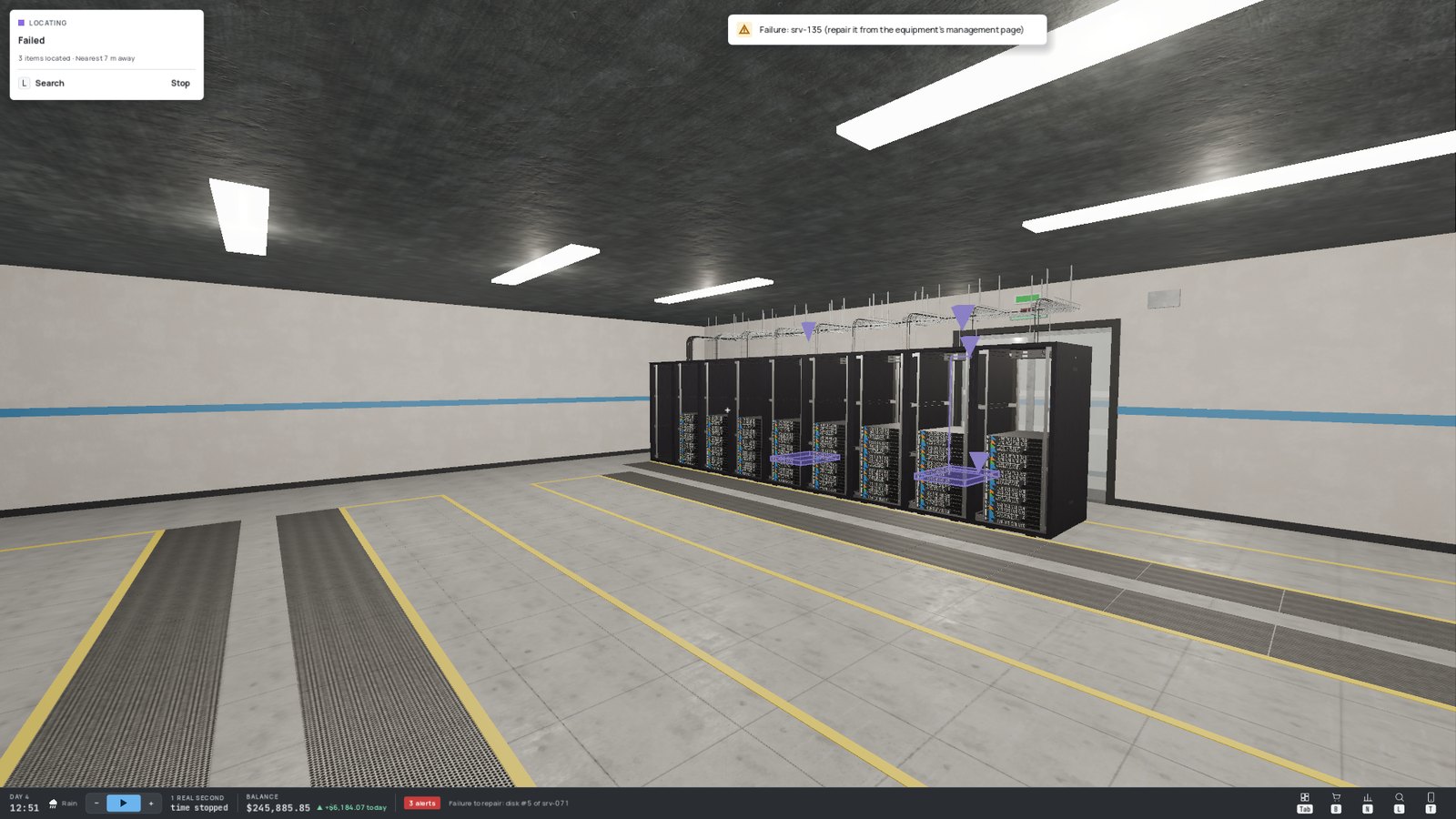
Every key can be rebound in Settings › Controls (two keys per action, except Esc). The keys below are the defaults, shown for a QWERTY keyboard — the game displays them in your own keyboard layout, and the in-game help always shows your current keys.
¶ 🚶 Moving around
| Action | Default key |
|---|---|
| Move forward / backward | W / S (or ↑ / ↓) |
| Strafe left / right | A / D |
| Turn left / right | ← / → |
| Look around | 🖱️ Mouse |
| Crouch (hold) | Ctrl |
Crouch to reach the bottom of a rack and its lowest sockets.
¶ 🤲 Interacting with the world
| Action | Default key |
|---|---|
| Pick up a box · place a rack · mount a device · hook a cable on a guide · push the cart · open a door | E |
| Plug / unplug a cable or a power cord | hold E |
| Open a device's management page (look at its management port) | E |
| Remove a device or a rack | R |
| Put down the box you carry (on the floor, on a pile, on the cart, on a shelf, in the dumpster) · drop the cable in hand · let go of the cart | Q |
| Choose the cable: type, colour, plugs | C |
| Open / close the rack door you look at | F |
| Remove / refit that door | G |
| Examine a rack (close-up view) | V |
¶ The action card 🃏
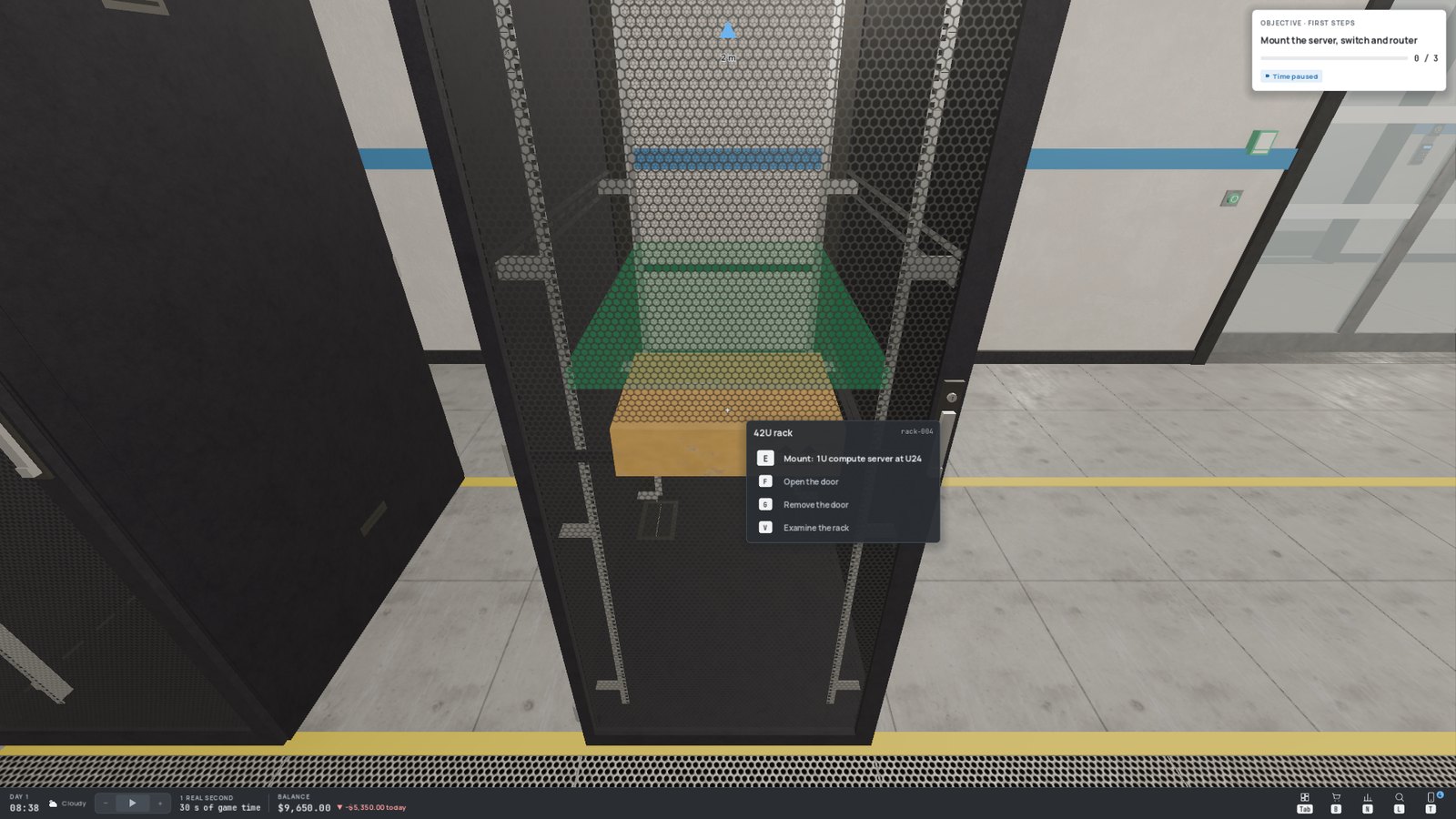
Next to the crosshair, an action card always tells you what you can do with what you are looking at: the main action with a big key, the other options below, and — in red — whatever prevents it. Actions you must hold show a progress ring around their key.
¶ Using the mouse 🖱️
Hold Alt to free the cursor (or use the rack close-up view). You can then:
- left-click a socket to plug in (hold), hook a cable onto a guide, or open a management page;
- right-click a socket to unplug (hold), or cancel the cable in hand;
- click the shortcuts of the bottom bar (console, shop, finances, search, phone).
¶ 🔍 The rack close-up view
Press V while looking at a rack: the camera steps back and faces the rack squarely, so every U and every cable is easy to read.
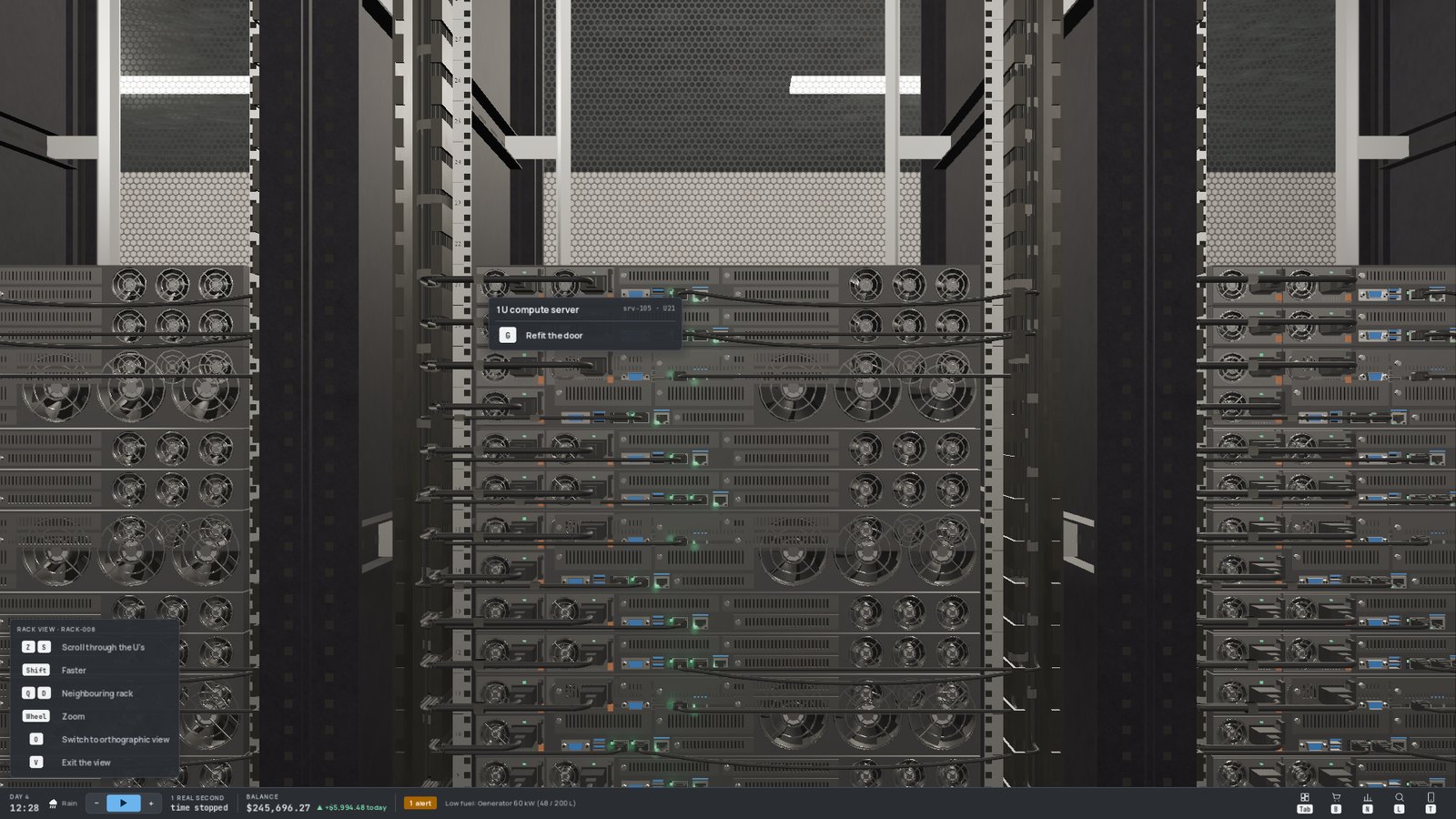
| In the close-up view | Key |
|---|---|
| Scroll through the Us | W / S (hold Shift to go faster) |
| Move to the neighbouring rack | A / D |
| Zoom | 🖱️ Mouse wheel |
| Switch between perspective and flat (orthographic) view | O |
| Leave the view | V |
¶ 🖥️ Interface
| Action | Default key |
|---|---|
| Open / close the console (on the last page you viewed) | Tab |
| Shop | B |
| Finances | N |
| Help (the full in-game guide) | F1 |
| Phone (messages, objectives, music) | T |
| Search and locate a device, a cable or a customer | L |
| Slow down / speed up time | 1 / 2 |
| Free the cursor (hold) | Alt |
| Pause menu · back · close a panel | Esc |
Pressing a console page's shortcut again closes it.
¶ ⏩ Game speed
Time runs continuously, even while the console is open. The − and + buttons (bottom bar and console header) or 1 / 2 change the speed:
| Indicator | Speed |
|---|---|
| ▷ (hollow) | Slow motion |
| ▶ | Normal speed — one game day lasts roughly 48 minutes of real time |
| ▶▶ … ▶▶▶▶ | Faster and faster, up to many times normal speed |
Hovering over the speed shows the exact multiplier, and the bar tells you how much game time one real second is worth.
The only true pause is the Esc menu: while it is open, everything is frozen, you included.
¶ 🔎 Search and locate
L opens the search, both in the world and in the console. Type a server name, a model ("switch", "2U"), a rack, "cable" or a customer's name — or use the state filters (Failed, Overheating, No power, Maintenance).
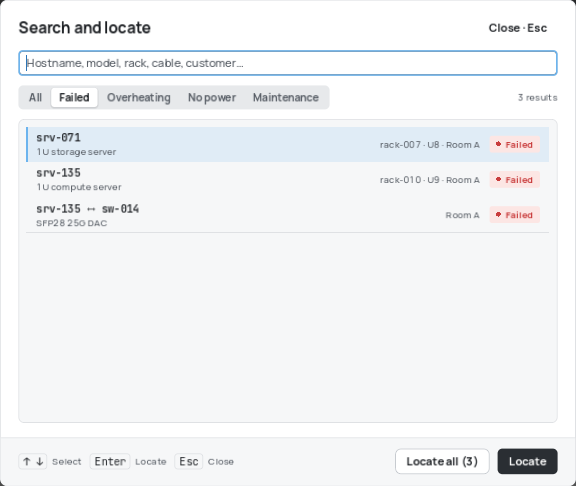
Pick a result and press Locate: the item lights up in the world with a pulsing purple outline (visible through walls) under a chevron. Locate all highlights every result at once. When the target is off screen, a purple arrow at the edge of the screen gives its direction and distance.