A device does nothing until it is powered and cabled. This page explains power cords, network cables, connectors and the cable trays that carry your cables between racks.
¶ ⚡ Powering a device
Every device has one to four power sockets. Look at one and hold E to plug in a cord (hold again to unplug it). One cord is enough to power a device.
- Servers have two sockets (A and B); the biggest GPU server has four.
- A powered device draws electricity: switches and routers draw roughly their rated power all the time, while a server draws more the harder it works — a fraction of its rating when idle, all of it at full load.
Power cords are free and unlimited. Power is not: see Electricity and Backup Power for the limits of your power grid.
¶ 🔗 Laying a network cable
- Hold E on a free data socket: you now hold a cable. A panel at the bottom of the screen shows its type, price and current length.
- Optionally look at the racks' cable guides and press E to hook the cable along a clean path.
- Hold E on the destination socket to plug it in.
The cable is paid for when it is plugged in. Changed your mind? Q drops the cable in hand at no cost. To unplug a cable, hold E on one of its ends.
Each cable type has a maximum length (guides and trays included). Beyond it, plugging in is refused.
¶ 🔌 Connectors
A cable always joins two sockets of the same family:
| Socket | Cables | Speed | Typical use |
|---|---|---|---|
| RJ45 | Copper (Cat6) | up to 1 Gb/s | Stock servers, simple switches, entry-level router |
| SFP+ / SFP28 | DAC or fibre | 10 to 25 Gb/s | Upgraded servers, fast switches, switch uplinks, routers |
| QSFP28 | 100G DAC or 100G fibre | 100 Gb/s | Network cores, routers, fast Internet uplinks |
A link always runs at the speed of its slowest part: the slower of the two sockets and the cable. A 25 Gb/s port linked to a 10 Gb/s port only gets 10 Gb/s — and so does a fast port wired with a 10G cable.
¶ 🧵 Cable types
| Cable | Reach | Price | Notes |
|---|---|---|---|
| 🟦 Copper (Cat6) | 📏📏📏 long | 💲 | Available from the start. Capped at 1 Gb/s. |
| ⬛ DAC (direct-attach copper) | 📏 a few metres | 💲💲 | Fast and cheap, but only between neighbouring or facing racks. |
| 🟨 Fibre | 📏📏📏 long | 💲💲💲 | Links distant racks. Its price includes its two optics, which fail a little more often. |
Only copper is available at first: DAC and fibre are unlocked through Research and Development.
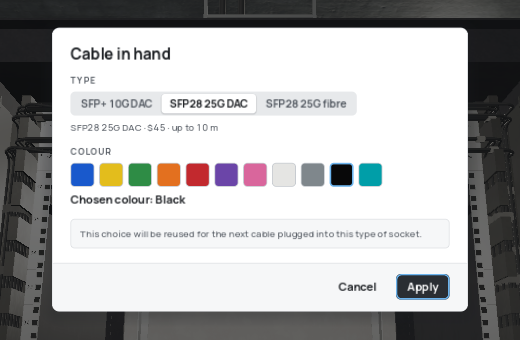
With a cable in hand, press C to open the cable choice: type, colour and — for copper — plugs.
¶ 🎨 Colours and plugs
- Every cable can take one of eleven colours, power cords included. By default, copper is blue, DACs black, fibre aqua and cords black.
- The game remembers your last choice per kind of socket: the next cable plugged into the same kind of socket reuses it.
- To recolour a cable already in place, look at one of its ports and press C (the link drops briefly while the cable is swapped). Power cords change colour without cutting anything.
- Copper cables and power cords also exist with angled plugs pointing down: same price, much tidier behind the device.
One colour per use — data, management, links between switches… — makes a rack readable at a glance. 🌈
¶ 🧹 Cable managers
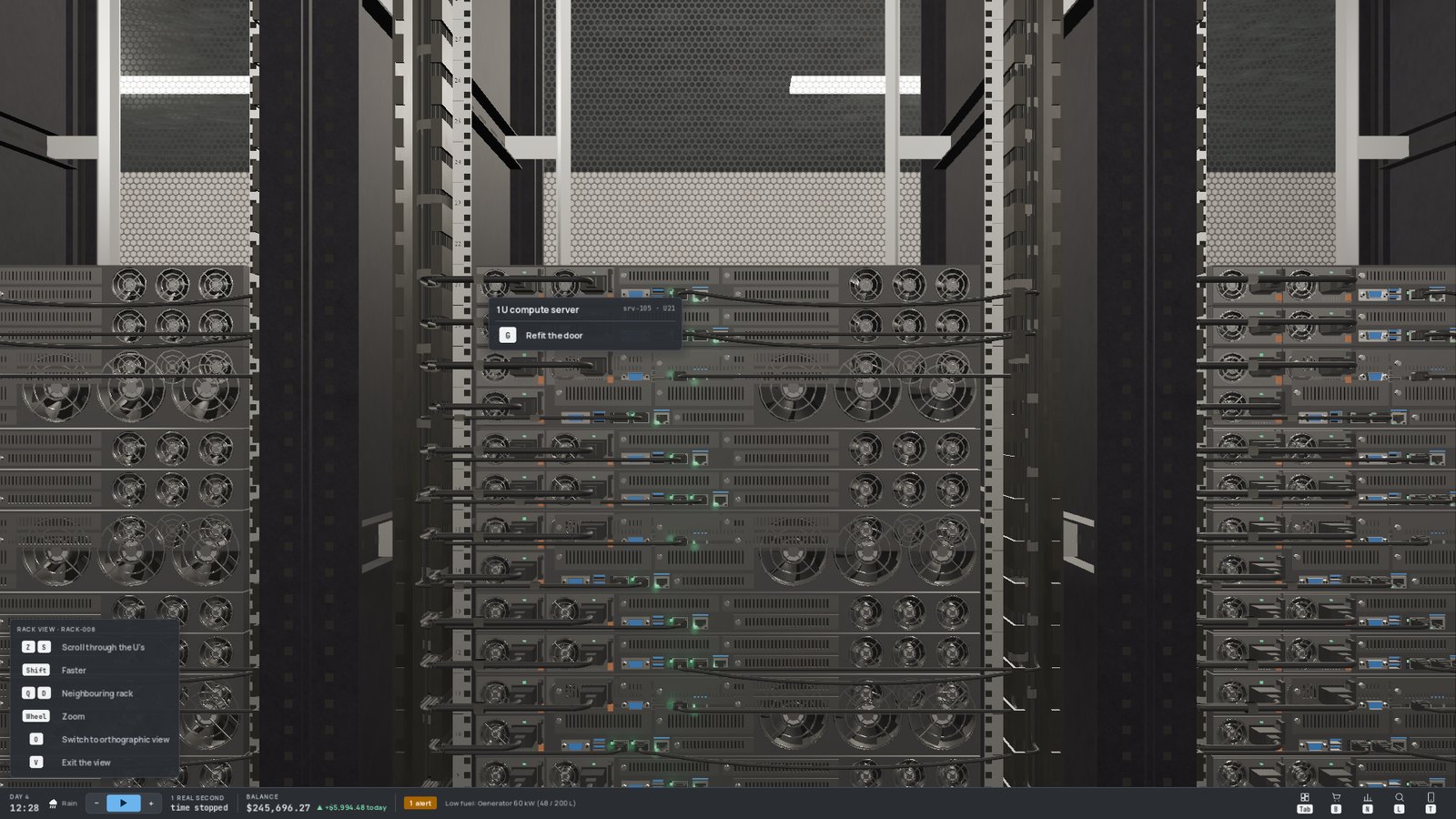
A cable manager (in the Racks section of the shop) installs in a free U, like a switch, and needs no power. Cables from the devices right above or below it drop straight into it and run along it, instead of piling up in front of the faceplates. It has a maximum capacity: aim at it to see how many cables it routes.
¶ 🛤️ Cable trays
Between two racks, cables don't hang in mid-air: they follow cable trays hung from the ceiling above the aisles.
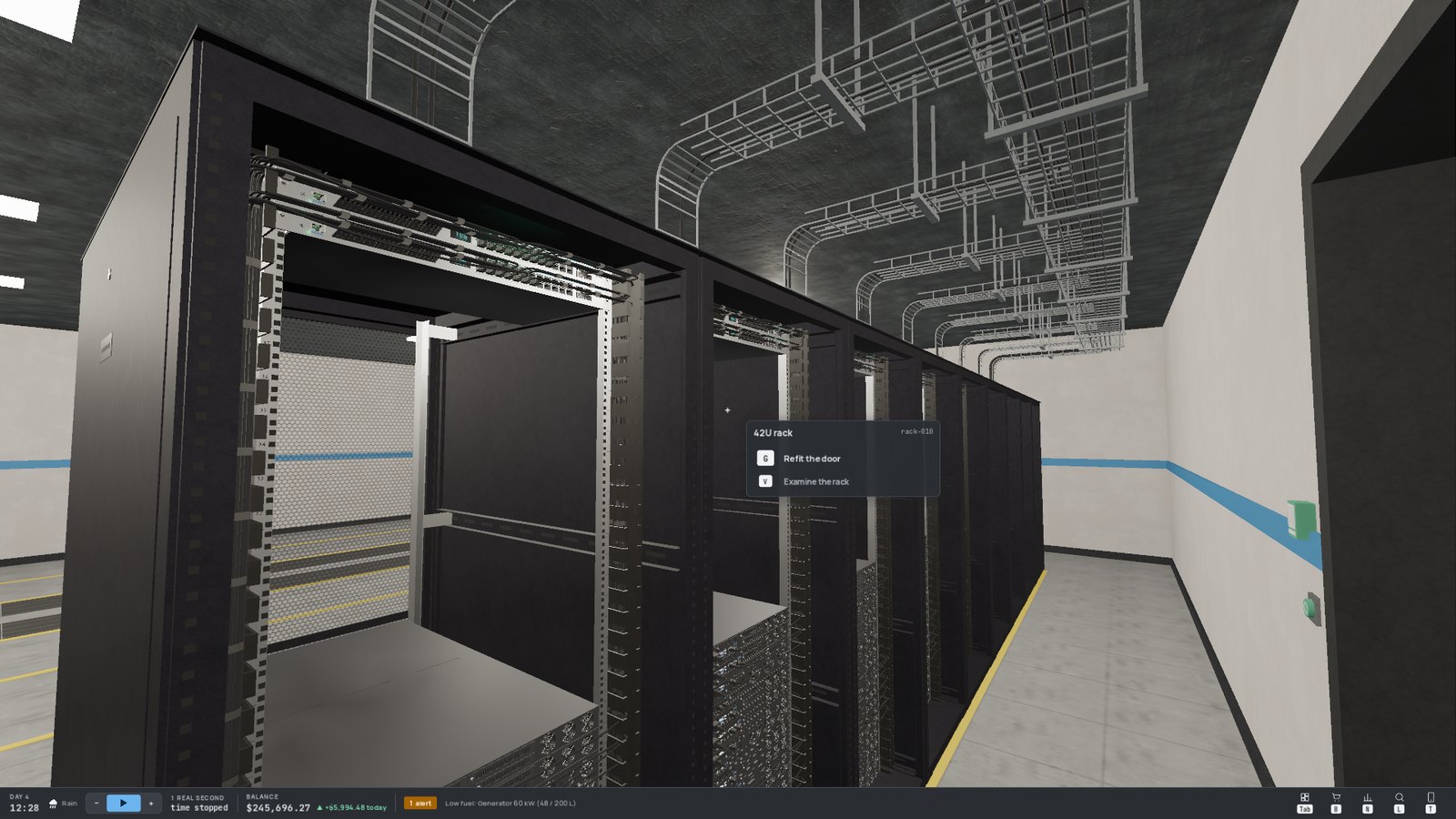

- Every aisle has its rail; every rack has two arms (one towards each aisle) ending above its roof.
- A backbone links the aisles of a room, and a wall crossing links the two server rooms.
- Fibre has its own yellow duct, above the copper and DAC tray.
There is nothing to order: a cable always takes the shortest route, and the tray sections it is the first to use are built and paid for when you plug it in (the ghost and the action card show them before you confirm). Later cables using the same sections only pay for themselves. A section disappears — without refund — when the last cable using it is removed.
Trays make cables a bit longer than a straight line. With short-reach cables like DAC, plan your racks so that linked devices are close to each other.